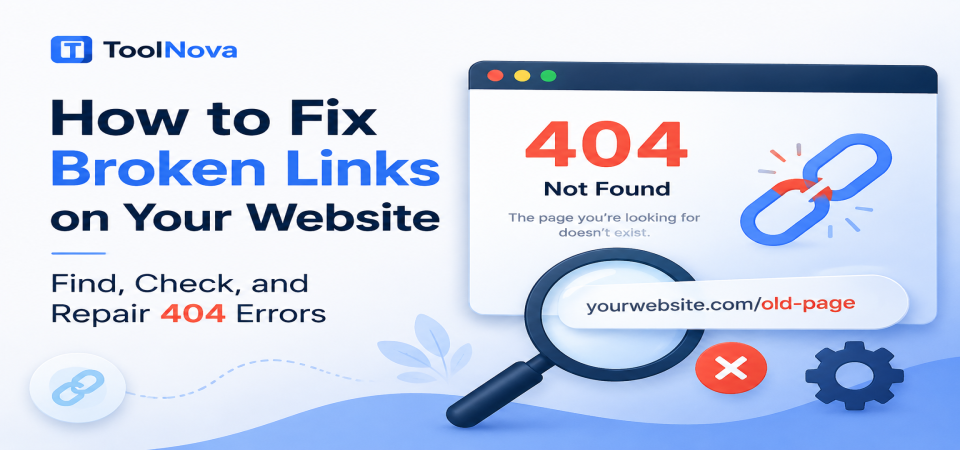
How to Fix Broken Links on Your Website (Find, Check, and Repair 404 Errors)
A visitor clicks a link expecting to find a useful article, a product page, or an important resource — but instead they land on a "404 Not Found" error page.
Maybe they return to the previous page. Maybe they leave your website completely. The frustrating part is that broken links usually remain invisible to website owners until someone reports them or a tool discovers them.
Over time, these small problems accumulate. Old articles contain outdated links, deleted pages leave behind dead URLs, and website changes create paths that no longer work. The result is a poorer user experience, wasted crawling resources, and a website that appears less maintained than it should.
Broken links are not usually caused by one major mistake. They are normally the result of small changes that happen over months or years: a page deletion, a URL change, a website migration, or an external resource disappearing.
This guide explains what broken links are, why they happen, how to find them, and the correct way to fix them without creating new SEO problems.
What Are Broken Links?
A broken link is a hyperlink that no longer leads to a valid destination.
When a visitor or search engine crawler follows that link, instead of reaching the expected page, they receive an error response. The most common example is:
404 Not Found
However, broken links are not limited to 404 errors. They can also include:
- Server errors such as 500 or 503 responses
- Redirect loops
- Timeout errors
- Incorrect URLs
- Missing files such as images or PDFs
The important point is that the link itself may still exist inside your website content. The problem is that the destination behind it has changed, moved, or disappeared.
A link that worked correctly when you published an article can become broken months later without anyone manually changing the article.
Internal vs. External Broken Links
Not all broken links have the same cause or solution.
Internal Broken Links
Internal broken links point to pages on your own website.
Examples:
- An old blog post linking to a deleted article
- A category page linking to a removed product
- A URL changed during an SEO update without adding a redirect
- A website migration that changed the URL structure
These are usually the easiest broken links to repair because you control both the link and the destination.
Typical fixes include:
- Updating the link to the correct URL
- Restoring the removed page
- Creating a relevant 301 redirect
External Broken Links
External broken links point to another website.
Examples:
- A research article was removed
- Another website changed its URL structure
- A company deleted an old resource
- A website shut down completely
You cannot directly repair the destination because it belongs to someone else.
Your options are:
- Find a newer replacement resource
- Remove the link
- Replace it with a more useful source
External links naturally decay over time because the internet constantly changes.
Why Broken Links Matter
A few broken links are normal. No website can prevent every external page from disappearing forever.
The problem appears when broken links become common, especially in important areas of your website.
Impact on Visitors
A broken link creates friction.
A visitor who clicks expecting valuable information and receives an error page may question whether the website is reliable or regularly maintained.
This is especially damaging when broken links appear in:
- Navigation menus
- Popular articles
- Product pages
- Important calls-to-action
A single broken link might not matter much, but repeated problems create a poor overall experience.
Impact on SEO
Broken links do not automatically destroy rankings. However, they can create several SEO issues when they become widespread.
They can:
- Waste crawling resources when search engines repeatedly discover dead URLs
- Reduce the effectiveness of internal linking
- Make important pages harder to discover
- Remove valuable context from older content
For example, if an important article receives many internal links but is later deleted, those links no longer help users or search engines understand your website structure.
The goal is not to eliminate every possible 404 forever. The goal is to maintain a clean website where important paths continue to work.



&media=https://chefnova.biz/assets/images/frontend/blog/6a8a10f44792d1787433204.png)